

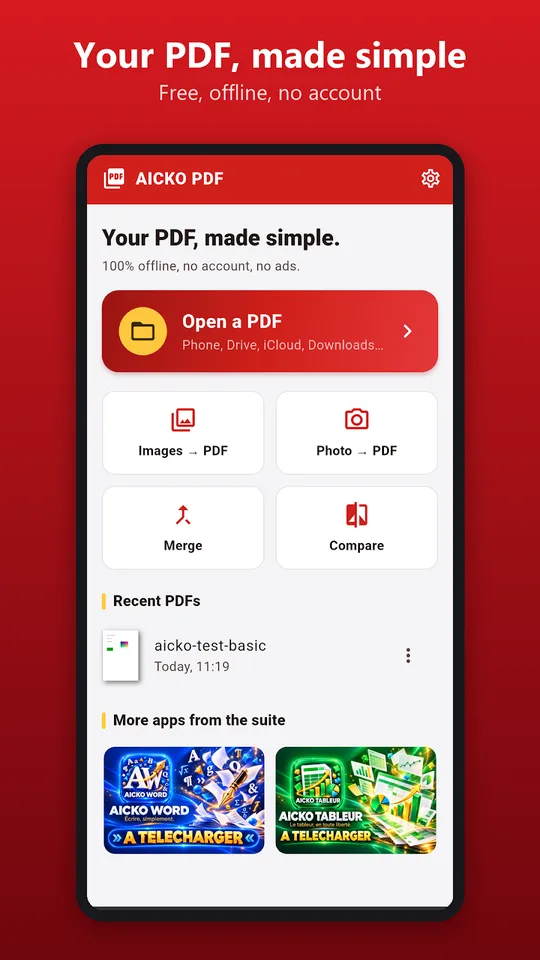
AICKO PDF is a PDF reader app for Android that also edits, signs, organises and converts documents. It works on phones and tablets, entirely offline, and needs no account.
For students, parents and teachers, it handles the PDFs that arrive by message or email: a worksheet to fill in, a form to sign, a scan to make readable. There are no ads, and your files stay on your device.Readers who prefer the desktop can also find a Windows version of the same program, built on the same principles.
Get AICKO PDF
At a glance
- Platform: Android (Google Play)
- Works offline: yes
- Account needed: no
- Ads: none
- Also available: a Windows version
What this PDF reader app can do
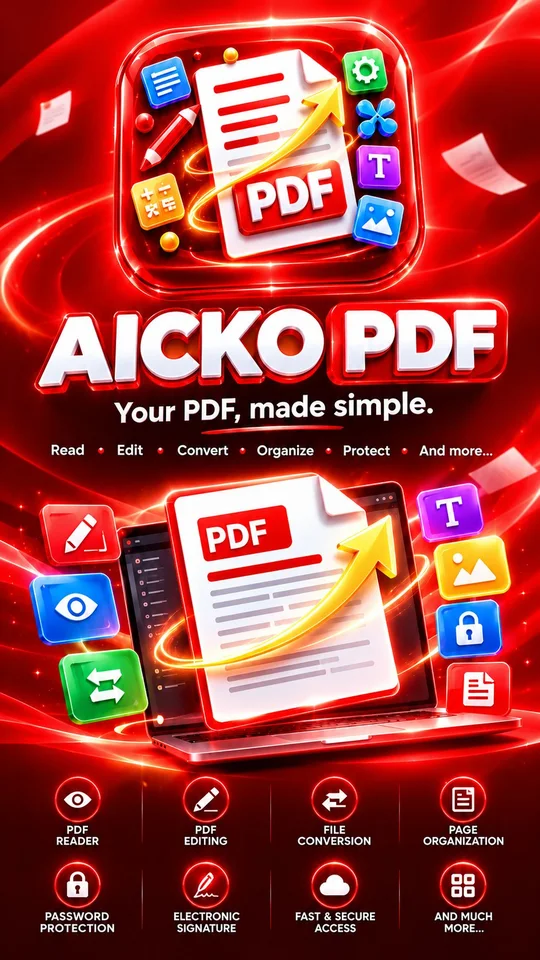
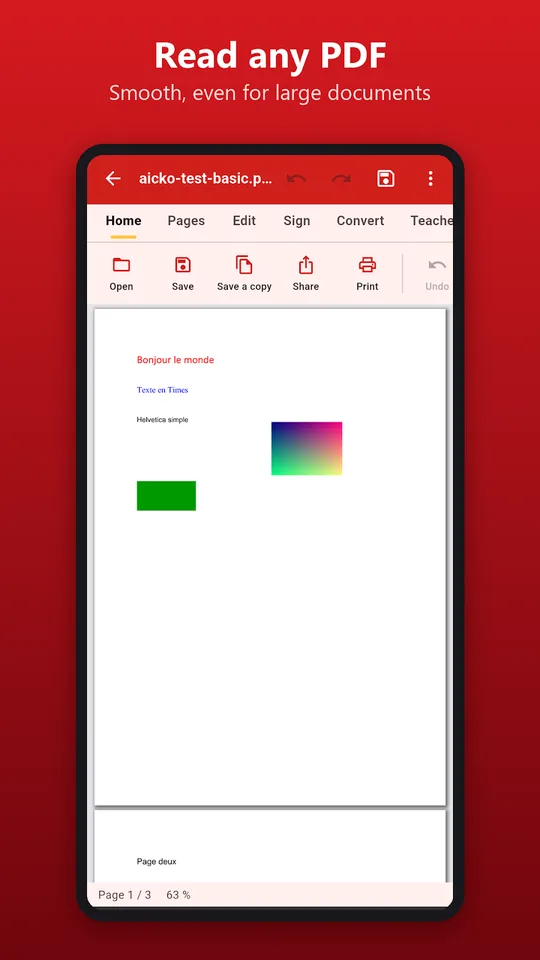
Open a file from your phone, Drive, iCloud, your mail or WhatsApp. Reading stays smooth even with large documents, and you get zoom, search, bookmarks and a night mode. Password-protected PDFs are supported too.
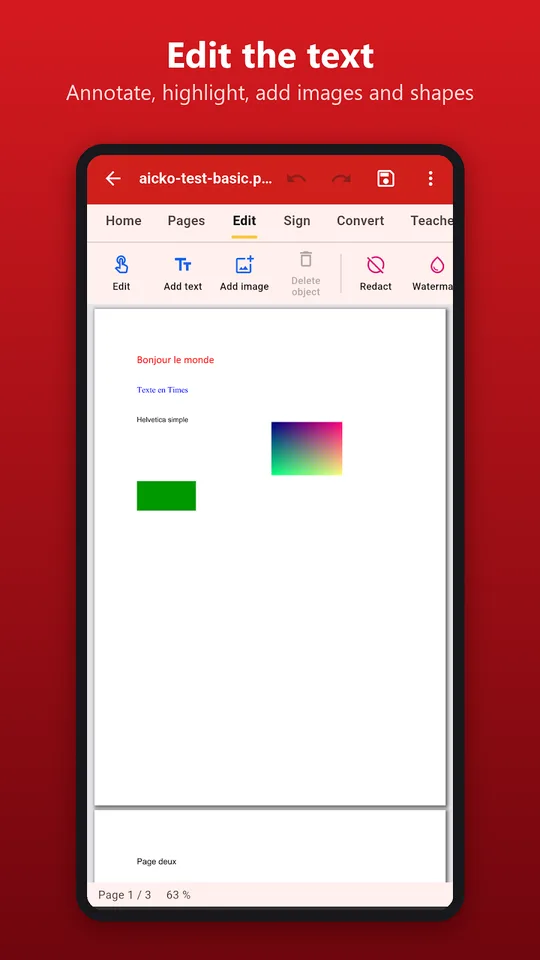
Beyond reading, you can fix a sentence, add text, highlight, draw, insert images and shapes, and fill in forms with a few taps.
Who it is for
It suits students who receive homework as a PDF and need to write on it, parents who must sign school forms, and teachers who prepare handouts. Everything happens on the phone, so there is no need to find a computer or a printer first.
Main features
- Annotate: highlight, comment, draw, add text, images and shapes
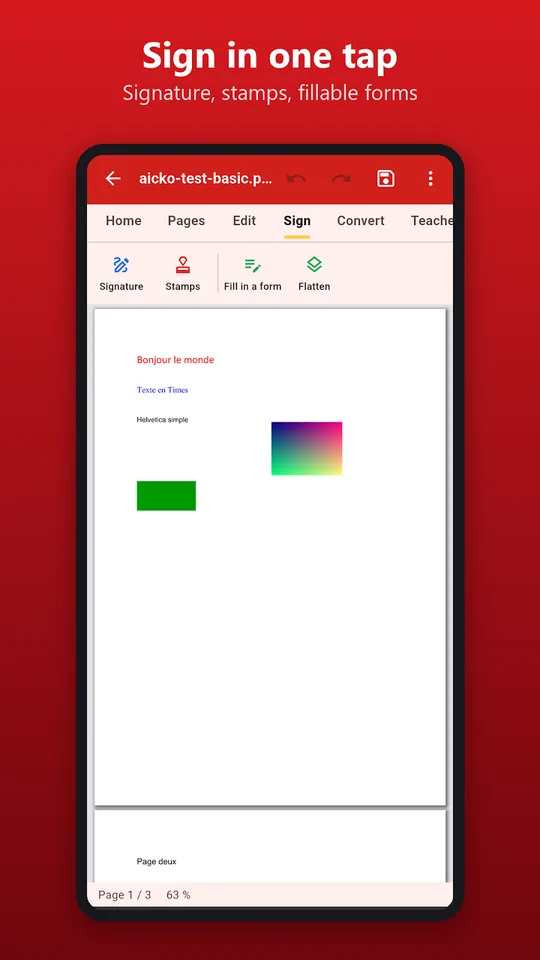
- Sign with a finger or an image and place the signature anywhere
- Reorder, rotate, delete, extract and add pages; merge or split documents
- Convert PDF to Word, images to PDF and pages to images
- Recognise text in scanned PDFs (OCR) and reduce file size to send by email
- Teacher tools: gap-fill sheet, booklet and a version adapted for students with dyslexia
Getting started
- Install AICKO PDF from Google Play.
- Open a PDF from your files, mail or messages.
- Choose a tool: annotate, sign, organise or convert.
- Make your changes and check the page.
- Save the result or share it in one gesture.
Use with Maths Facile
Many worksheets on this site are meant to be printed or filled in. After downloading a sheet from our math books or lessons pages, open it in AICKO PDF to write your answers on screen, keep your work in one file and send it to a teacher. The scanned-text feature also helps when a page of notes was photographed and you want to search it.
A typical use
Imagine a teacher sends a two-page worksheet as a PDF. Open it from your messages, write your answers with the text tool, draw a quick diagram with your finger and sign the last page. If the file is large, reduce its size, then send it back by email in one gesture. If you only need three pages out of twenty, extract them into a new document first. All this takes a few minutes, with no computer, no printer and no scanner, and the original stays safe if you work on a copy.
Tips
Work on a copy when you convert or compress, so the original stays untouched. Use bookmarks in long documents, and the night mode for reading in the evening. Remember that processing happens locally, which means nothing is uploaded: it also works on a train or in a classroom without a connection. Take a moment to explore the settings once, so the tools you use most are always at hand when a document arrives.
Frequently asked questions
What is the best way to edit a PDF on an Android phone?
AICKO PDF lets you correct text, highlight, draw, add images, fill forms and sign directly on an Android phone or tablet. It works offline, shows no ads and needs no account. It can also convert a PDF to Word.
Can AICKO PDF make a scanned PDF searchable?
Yes. Its text recognition (OCR) makes the text of a scanned PDF selectable and searchable. After that, you can reduce the file size to send it by email. All processing is done on your device.
Does AICKO PDF work without internet?
Yes. It works fully offline and your documents stay on your device, because the processing is local. No account is required and no ads are shown. You can open files from your phone, Drive, mail or WhatsApp.
Can I sign a PDF with my finger?
Yes. You create your signature with your finger or from an image, place it where you want on the page and fill in any PDF form. You can then share the signed file in one gesture.
