


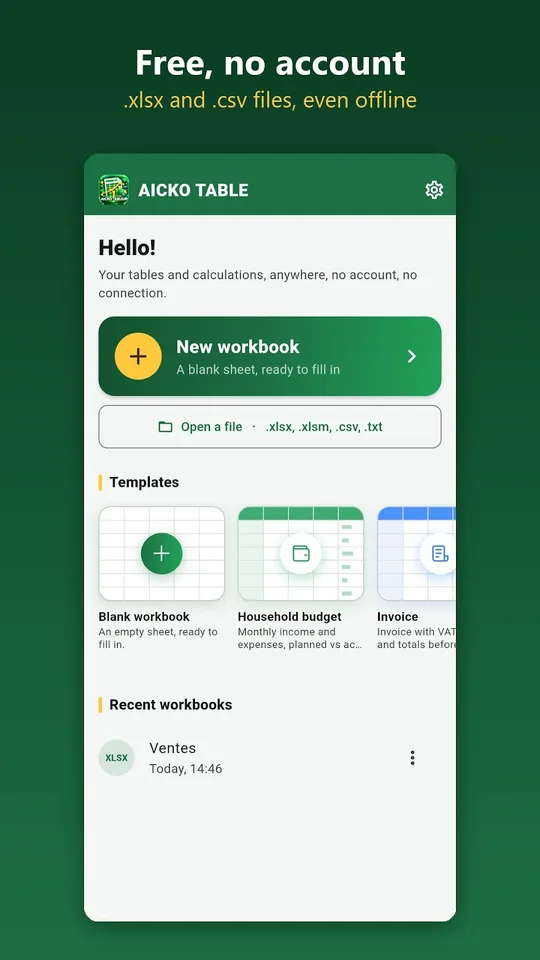
AICKO TABLEUR is a spreadsheet app for Android that handles tables, calculations and charts on a phone or tablet. It opens and saves .xlsx and .csv files, works offline and needs no account.
It aims at the essentials, for students, teachers, accountants and anyone who wants to count accurately without wandering through complicated menus. There are no ads.It also exists on Windows computers, with the same way of working, so you can switch between devices easily.

Get AICKO TABLEUR

At a glance
- Platform: Android (Google Play)
- Files: .xlsx and .csv, PDF export
- Functions: more than 140
- Charts: six types
- Works offline: yes, no account
What this spreadsheet app does
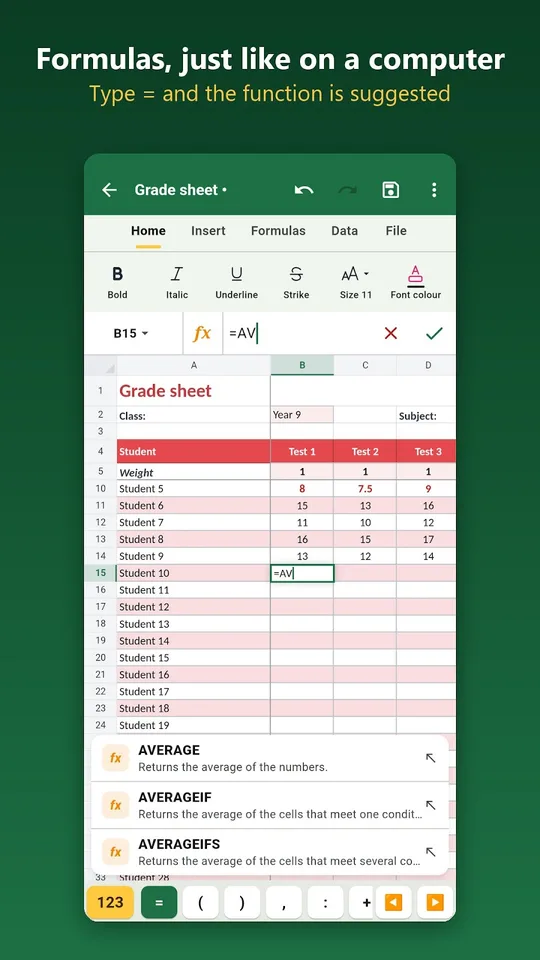
You get more than 140 functions, such as sum, average, IF, lookup, count-if, rounding and loan instalments. Their names follow the French spelling, so a user of the English function names will need a short adjustment. Type an equals sign and the first letters, and the app suggests the function.
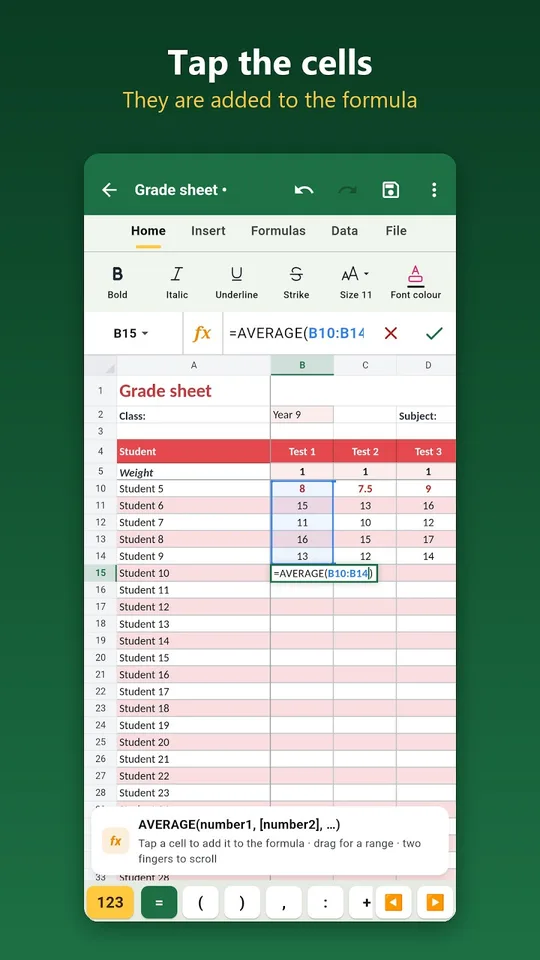
Tap a cell or slide across a range to add it to the formula. A forgotten closing bracket is added for you, and an automatic sum is one tap away.
Who it is for
Students who need to organise data for a science report, teachers who compute class averages with coefficients, and families who track a budget. Calculation-heavy math topics like percentages, averages and statistics become easier when you can see the numbers in a grid.
Main features
- Bold, colours, borders, merged cells and wrapped text
- Number, currency, percentage, date and time formats
- Conditional formatting, for example marks below 10 in red
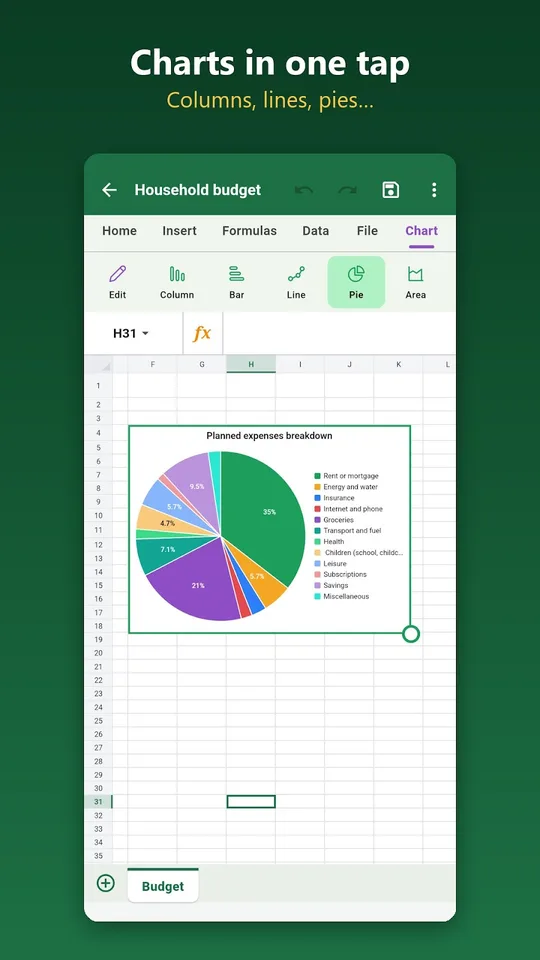
- Column, bar, line, pie, area and scatter charts
- Sorting, filters, duplicate removal, frozen panes and several sheets
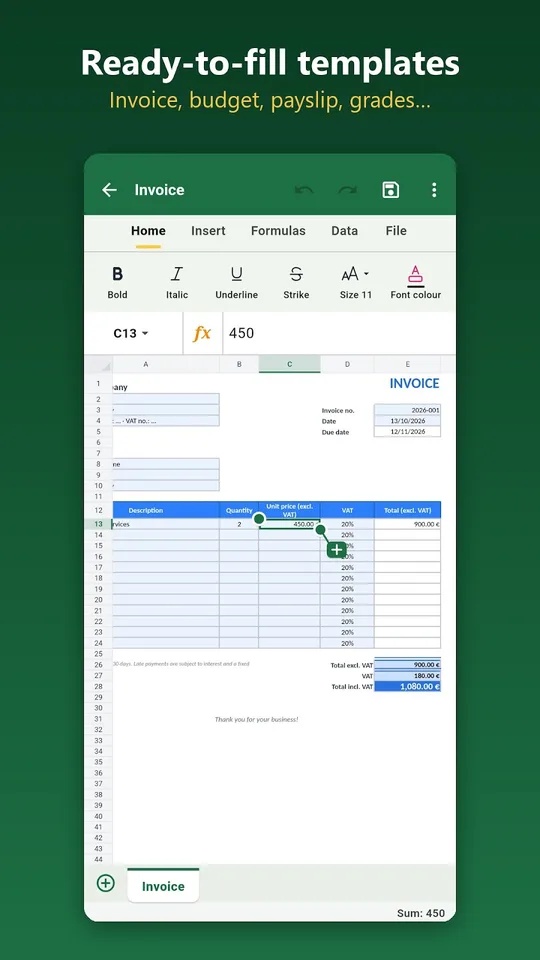
- Templates: invoice with VAT, family budget, simplified payslip, mark sheet with coefficients, income and expense book, timesheet, loan schedule and attendance list
Getting started
- Install AICKO TABLEUR from Google Play.
- Open an .xlsx file or begin with a template.
- Type your data and tap cells to build formulas.
- Format the numbers and add a chart.
- Save the workbook, export a PDF or share it by email.
Use with Maths Facile
Statistics lessons come alive when you enter your own data. Collect measurements, compute the mean, sort the values and draw a chart. After the lessons on averages and data, rebuild the examples in a sheet to see how each number changes the result. It is a gentle way to gain confidence, since the spreadsheet shows every step.
A typical use
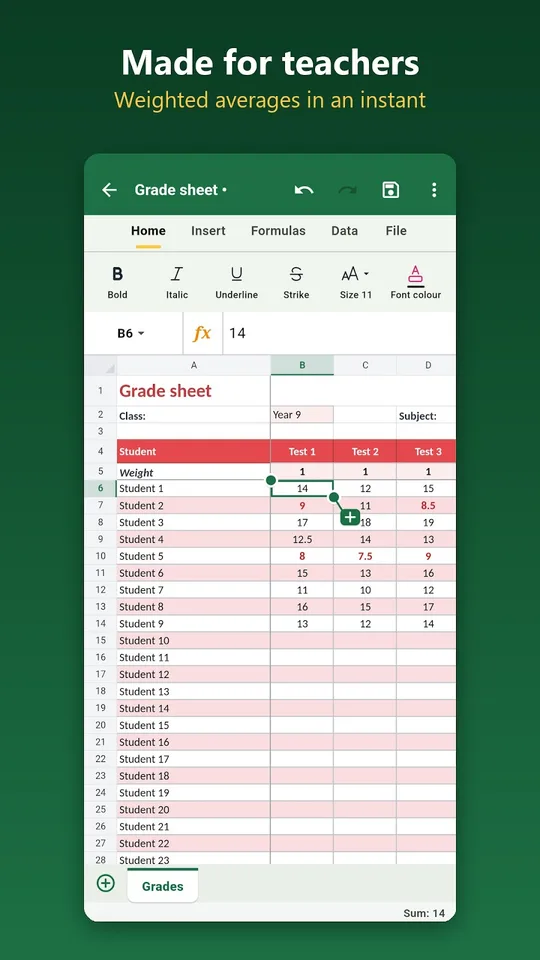
A teacher can build a mark sheet from the template, enter each student’s marks, apply a coefficient to every subject and let the sheet compute the weighted average. Conditional formatting then turns the marks below 10 red, so weak spots stand out at once. A chart shows the class result, and a PDF export is ready to print. Families can do the same with a monthly budget: list incomes and expenses, sum them, and see at a glance where the money goes.
Tips
Keep one idea per column and a title in the first row, so sorting and filters work. Check a formula on two or three values you can compute by hand before trusting it on a large table. The interface is available in French and English, with dark mode and seven colours, and your workbooks remain on your device. Start with a template if a blank grid feels intimidating, then change it little by little until it fits your needs.
Frequently asked questions
Is there a spreadsheet app for Android that opens Excel files?
Yes. AICKO TABLEUR opens and saves .xlsx and .csv files on Android phones and tablets. It includes more than 140 functions, charts, filters and templates, and it works offline without an account.
What functions does AICKO TABLEUR include?
It has more than 140 functions, including sum, average, IF, lookup, count-if, rounding and loan instalments. Function names use the French spelling. The app suggests a function as you type and closes forgotten brackets.
Can AICKO TABLEUR draw charts?
Yes. It offers column, bar, line, pie, area and scatter charts. You can also use conditional formatting, sorting, filters, duplicate removal and frozen panes to keep a large table readable.
Does AICKO TABLEUR need an account or internet?
No. It needs no account, shows no ads and works fully offline. Workbooks stay on your device. You can export to PDF and share by email, messaging or cloud storage whenever you choose.
