


AICKO TABLEUR is a free spreadsheet for Windows 10 and 11. It handles formulas, charts and templates, opens Excel files (.xlsx and .xls) as well as .ods and .csv, and works offline without an account or ads.
The program keeps to the essentials. Accountants, teachers, students and families can count accurately with a ribbon that feels familiar. It is available from the Microsoft Store.

At a glance
- Platform: Windows 10 and 11 (Microsoft Store)
- Price: free, no ads
- Formats: .xlsx, .xls, .ods, .csv, PDF export
- Charts: histograms, lines, pie
- Works offline: yes, no account
What this free spreadsheet does
You build tables and calculate with formulas and functions such as sum, average, IF and lookup. Cells can be formatted with borders, colours, merged areas and number, currency or date formats. You can sort, filter and keep several sheets in one workbook, and insert pictures.
Charts turn numbers into pictures: histograms, lines and pie charts take only a few clicks.
Who it is for
It is made for people who need to count without learning a complicated tool: a teacher computing class averages, a student organising lab data, a freelancer tracking invoices, a family following a budget. Menus stay short on purpose.
Main features
- Open and save .xlsx and .xls, plus .ods and .csv
- Export to PDF, ready to print
- Formulas and functions, formats for numbers, money and dates
- Histograms, lines and pie charts
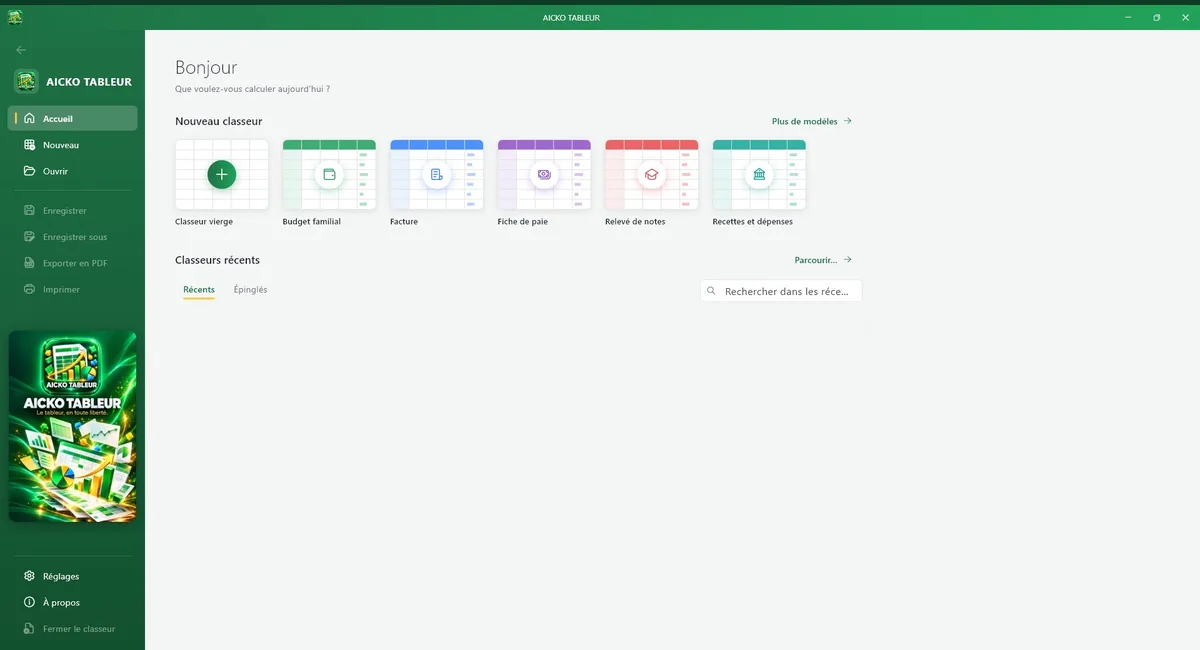
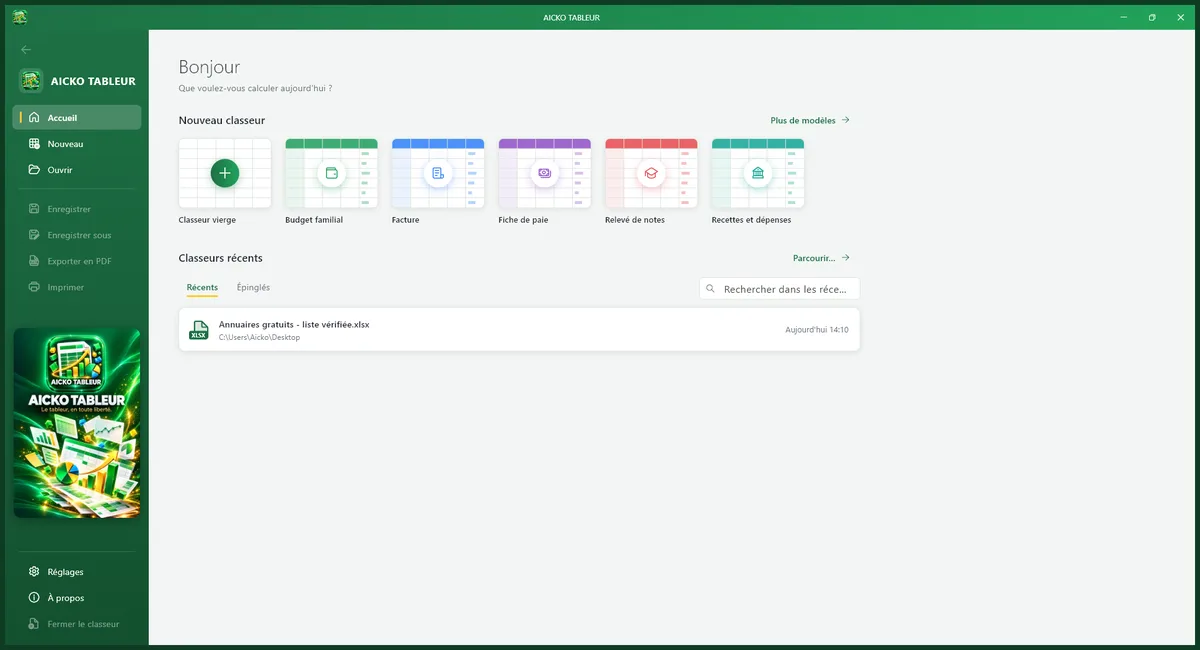
- Templates: family budget, invoice, payslip, mark sheet, income and expense book
- Dark mode and several interface colours, in French or English
Getting started
- Install AICKO TABLEUR from the Microsoft Store.
- Open an Excel file or choose a template.
- Type your data in the grid.
- Write a formula that starts with an equals sign.
- Add a chart, then save as .xlsx or export to PDF.
Why a maths learner will like it
Many maths topics are about data: averages, percentages, proportions, statistics. A spreadsheet lets you test an idea on real numbers and watch the result change. After studying a chapter in the lessons, rebuild the examples in a sheet and check your hand calculations. The quizzes are a good next step to see whether the method has stuck.
A typical use
Picture a teacher with thirty students and three tests. She opens the mark sheet template, types the marks, and gives each test its coefficient. A formula computes each weighted average, a filter shows who is below 10, and a chart displays the spread of results. Finally, she exports a PDF to print. A family can follow the same approach with the budget template: list incomes, list expenses, compute the balance each month and keep the workbook in .xlsx so any other program can open it.
Unlike heavy office suites, AICKO TABLEUR leaves aside macros and rarely used options, which keeps learning time short.
Tips
Give each column a title, keep one type of data per column and avoid empty rows in the middle of a table, so that sorting and filtering behave. Verify a new formula on a few values you can compute mentally. Save in .xlsx to share with anyone, and keep a PDF copy for printing. Everything stays on your computer. Take a few minutes to try each template once, and you will soon see which one fits your needs.
Frequently asked questions
Is there a free spreadsheet for Windows that opens Excel files?
Yes. AICKO TABLEUR is free for Windows 10 and 11 and opens .xlsx and .xls files, as well as .ods and .csv. It saves to .xlsx by default and can export to PDF. No account is needed.
What can I do with AICKO TABLEUR?
You can calculate with formulas and functions, format cells, sort and filter data, work on several sheets and draw histograms, line charts and pie charts. Templates cover budgets, invoices, payslips and mark sheets.
Does AICKO TABLEUR work offline?
Yes. It works entirely offline and your workbooks stay on your computer. There is no account, no ad and no subscription. The program comes in French and English, with a dark mode and several colours.
Is AICKO TABLEUR good for school work?
Yes. Teachers can build mark sheets and compute averages, and students can organise data and draw charts for reports. The interface is intentionally simple, so it is easy to learn for beginners.
