

AICKO IPTV is a free IPTV player for Windows 10 and 11. You provide your own playlist in M3U or Xtream codes format, and the program plays live television with a programme guide, films, series and radio.
It is only a player: it does not host, supply or sell any content, in the same way that a general media player does not. It is available from the Microsoft Store.

At a glance
- Platform: Windows 10 and 11 (Microsoft Store)
- Price: free
- Formats: M3U and Xtream codes
- Content provided: none, you bring your own playlist
- Languages: six, including Arabic
What this IPTV player does
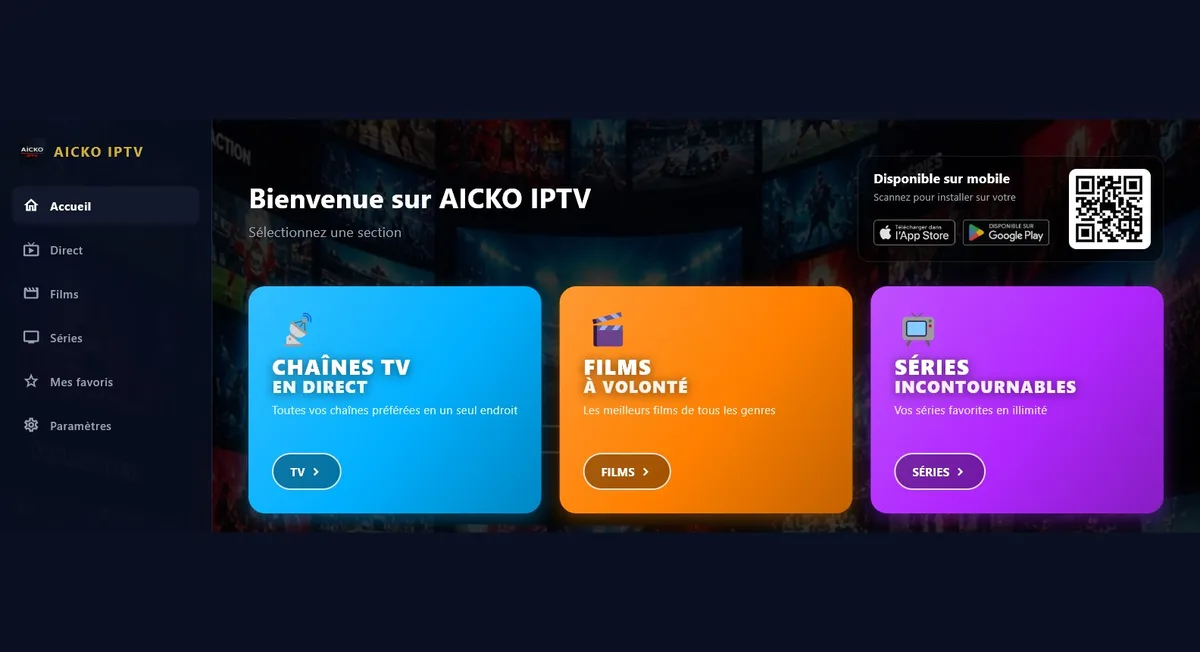
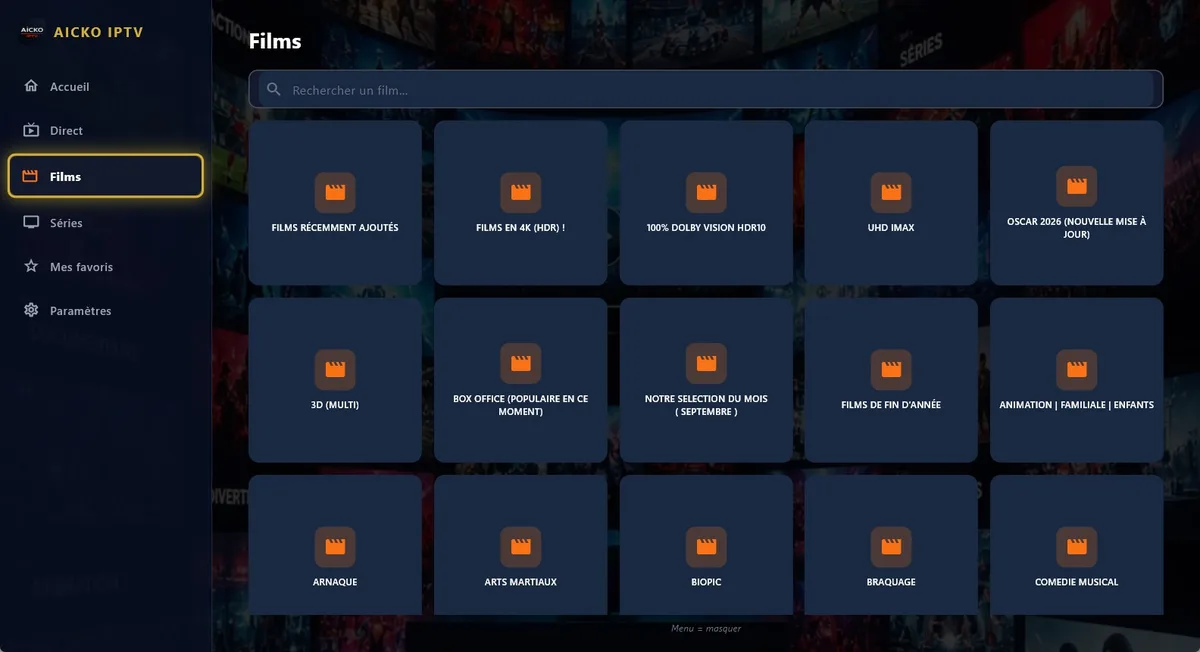
AICKO IPTV reads the playlist address you give it, obtained from your own provider, and sorts it into live channels, films, series and radio. Live television comes with an electronic programme guide (EPG) and access to replay. Films and series are grouped by category, with resume exactly where you stopped.
The audio engine also plays streams without pictures, including MP3 files and online radios. The playback engine is libmpv, known for reading a very wide variety of formats.
Who it is for
The program is for people who already have a playlist and want a tidy player on a computer. Nothing in it targets schoolwork, so adults should decide what their playlist contains and what children may watch.
Main features
- Playlists in Xtream codes and M3U formats that you supply
- Live television with programme guide (EPG) and replay
- Films and series with resume
- Radios and MP3 files
- Favourites and progress synchronised between your devices with an account
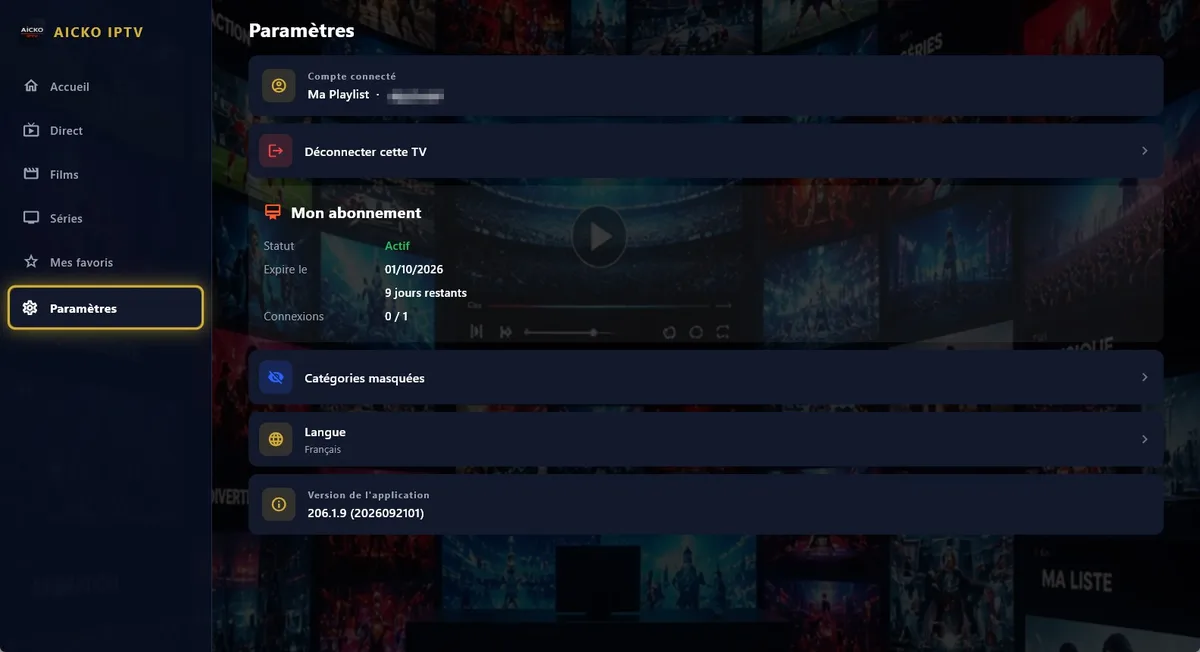
- Hideable categories, search in every section, six interface languages including Arabic read from right to left
Getting started
- Install AICKO IPTV from the Microsoft Store.
- Enter the address of your own playlist, or your Xtream codes.
- Browse live channels, films, series or radio.
- Mark favourites and hide categories you never use.
- Sign in if you want your favourites to follow you on other devices.
Why it appears on Maths Facile
This site belongs to a family of apps and software made by the same author. Most of them help with learning, and this one is a general tool. If you are here for school, the lessons and partner sites pages will serve you better. If you want a player for your own playlists on a computer, this page explains what the program does.
A typical use
Suppose you already have a playlist from your provider. Install the program, paste the address, and wait for the categories to load. Open live television, choose a channel, and look at what is on next in the programme guide. Later, open the films section and continue a film exactly where you paused it the evening before. If some categories never interest you, hide them, and the lists become shorter. Because the player does not supply anything itself, what you can watch depends only on your own playlist.
Tips
Keep your playlist address private, because it is linked to your provider. Hide the categories you do not watch to browse faster, and use the search box inside a section instead of scrolling. The same app also exists for phones, Android TV, Fire TV and Samsung televisions, so favourites and progress can follow you from room to room.
Frequently asked questions
What is an IPTV player for Windows?
An IPTV player reads a playlist that you supply, in M3U or Xtream codes format, and plays the channels, films and series in it. AICKO IPTV does this on Windows 10 and 11. It includes no content itself.
Does AICKO IPTV include channels?
No. AICKO IPTV does not host, provide or sell any content. You enter the address of a playlist obtained from your own provider. The program only plays what you give it, like any media player.
Does AICKO IPTV support a programme guide?
Yes. Live television comes with an electronic programme guide (EPG) and access to replay. Films and series resume where you stopped, and the program also plays radios and MP3 files.
Which languages does AICKO IPTV speak?
The interface comes in six languages: French, English, Arabic read from right to left, German, Spanish and Italian. Favourites and progress can be synchronised between your devices with an account.
