

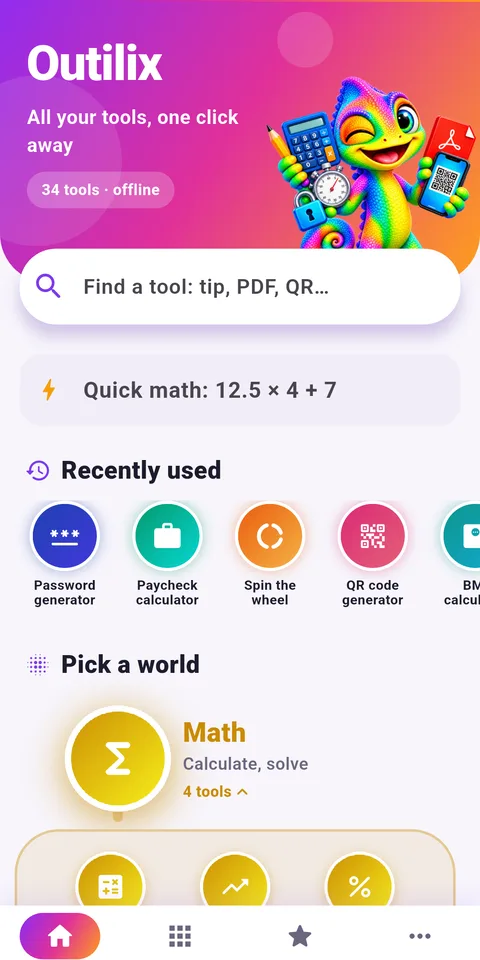
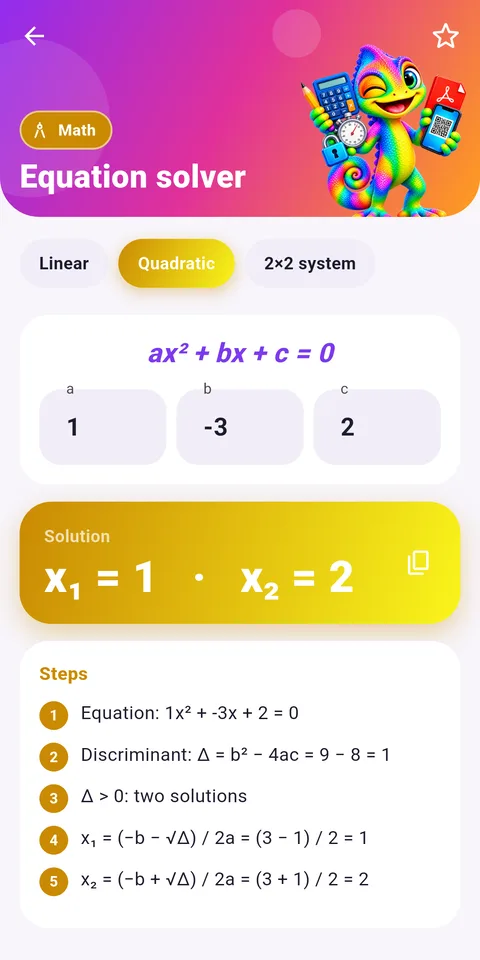
Outilix is an Android app that includes a fraction calculator with steps, so a student can see how two fractions are added, multiplied or simplified instead of getting a bare answer. It also solves equations step by step and works offline.
For students who feel lost in math, seeing each small move on the screen can make a method click. The app holds 34 tools in total, but a few of them are made for exactly this kind of help.

Get Outilix


At a glance
- Platform: Android (iPhone version in preparation)
- Fractions: add, multiply, simplify, with steps
- Equations: linear, quadratic, systems, with steps
- Works offline: yes
- Account: none needed
- Languages: English and French
What Outilix is
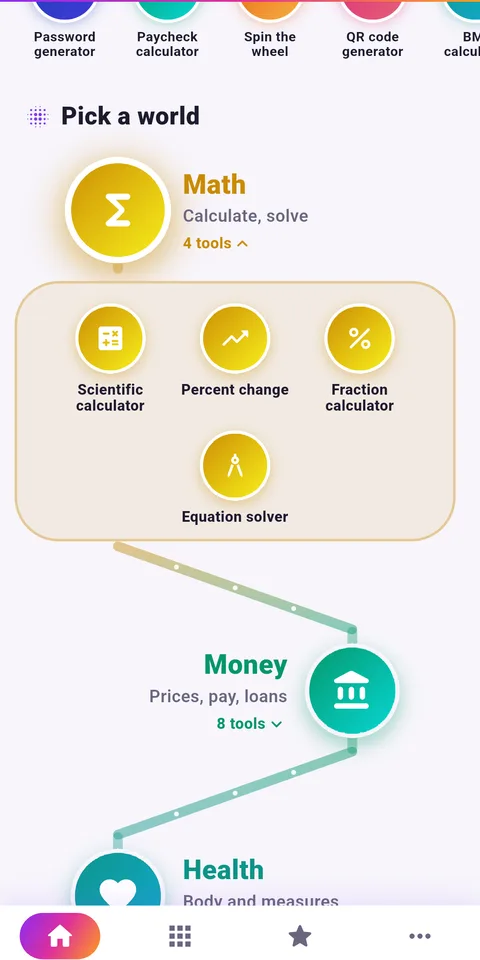
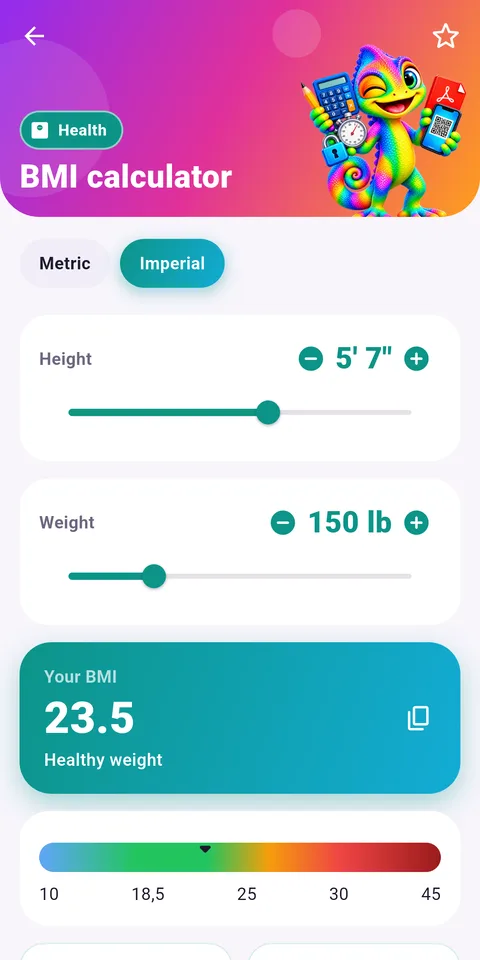
Outilix is a toolbox on the phone. It groups 34 tools into 9 categories, and the math category is the one that matters most for school. Each tool does one job: you type the numbers, the app does the calculation, and for fractions and equations it shows the steps one by one.
Who it is for
It is for the student who reads a fraction problem three times and still does not know where to start. It is also for the student who follows the method but keeps getting a different answer from the book. In both cases, a step-by-step view shows exactly where the path splits.
The fraction tools fit students from Grade 5 (CM2) to Grade 7 (5ème). The equation solver helps from Grade 8 (4ème) through Algebra 1 (3ème), when equations become the heart of the course.
A fraction calculator with steps, and more
- Fractions: add, multiply and simplify, with each step written out
- Equations: linear, quadratic and systems of equations, with steps
- Percent change: how much a value went up or down
- Percent of a number, for problems like 15 % of 60
- Rule of three, for proportion problems
- Unit converter and temperature converter
- A scientific calculator for roots and powers
Your first try, step by step
- Install Outilix from Google Play on your Android phone.
- Type fraction in the search bar on the home screen.
- Enter a problem from your worksheet, for example 2/3 + 1/4.
- Read the first step: both fractions are written with the same denominator, 12.
- Read the next steps slowly, then close the app and redo the problem on paper.
- Add the tool to your favorites with the star.
No account is needed. The app follows the language of your phone, English or French, and it runs without internet.
Using it with Maths Facile
The app shows steps, but the lesson explains why those steps work. If a step still looks strange, open the Grade 7 lessons for fractions or the Algebra 1 lessons for equations. When you feel ready, try a short check in the quizzes section to see what you remember.
Tips to build confidence
Always try the problem yourself first, even if you are not sure. Then use the app to check, not to copy. If your answer is wrong, find the first step where your work and the app differ: that is the only thing you need to fix.
Start with easy problems and move up slowly. Getting three easy ones right builds more confidence than getting one hard one wrong. Small wins add up, and soon you will open the app less often because you will not need it. Outilix is on Android today, and an iPhone version is in preparation.
Frequently asked questions
Is there an app that shows the steps for adding fractions?
Yes. Outilix is an Android app whose fraction tool adds, multiplies and simplifies fractions and shows every step, such as finding a common denominator. Students can follow the steps and then redo the problem on paper.
Can Outilix solve equations step by step?
Yes. The equation tool in Outilix solves linear equations, quadratic equations and systems of equations and displays each step. It helps students from Grade 8 and Algebra 1 check their work and find where an error started.
Will using a fraction calculator stop me from learning?
Not if you use it to check. Solve the problem first, then compare your work with the steps in the app. The first step that differs shows exactly what to practice. Copying answers without trying will not help.
Does Outilix work without Wi-Fi?
Yes. All calculations happen inside the app, so Outilix works offline. You do not need to create an account or sign in, and the interface is in English or French depending on your phone language.
