
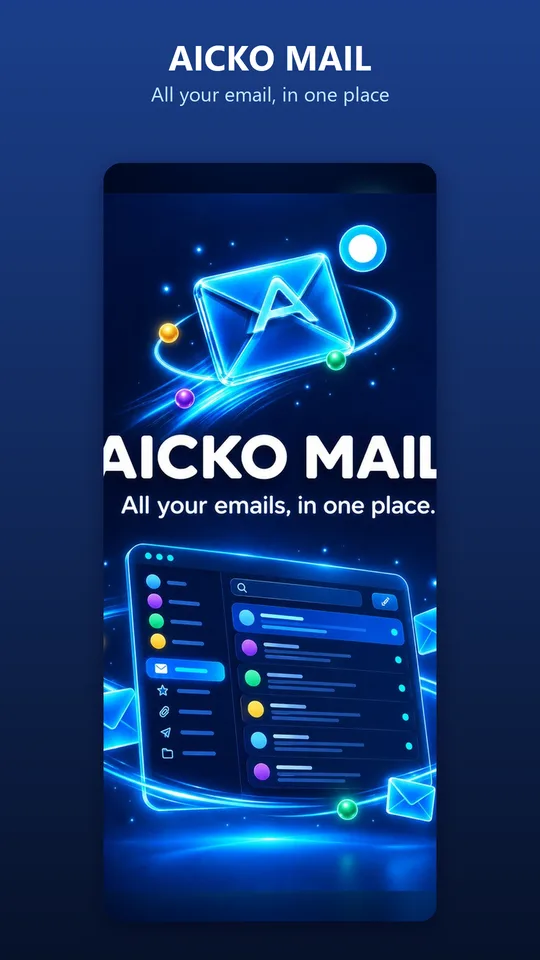
AICKO MAIL is a simple email app for Android that collects all of your mailboxes in one place and sorts messages with plain, readable filters. It uses no AICKO account and shows no ads.
If math already feels hard, a crowded inbox can make school feel worse. A tidy mailbox gives back a bit of calm and confidence, and it helps parents see what is coming up at school without searching through dozens of unrelated messages.
Get AICKO MAIL
At a glance
- Platform: Android (Google Play)
- iPhone version: in preparation
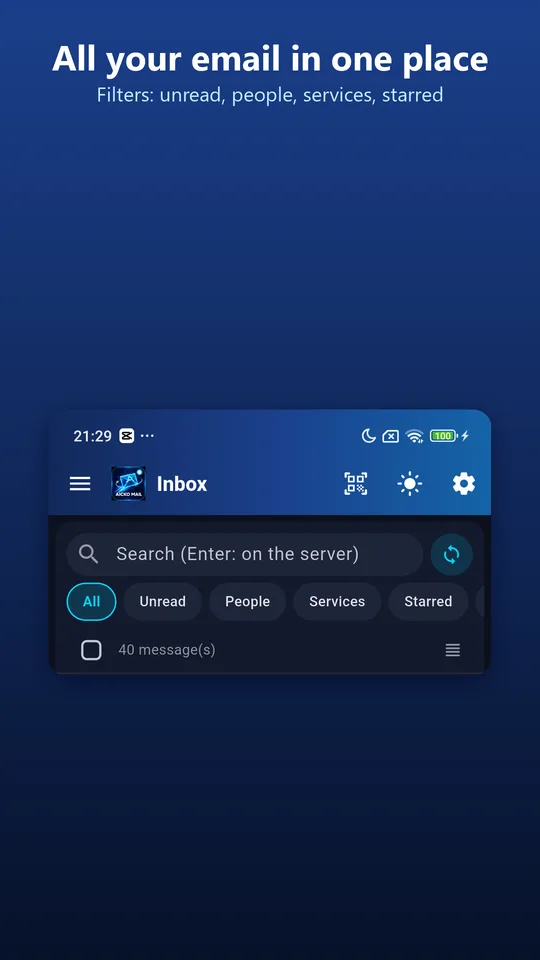
- Filters: unread, people, services, favorites, attachments
- Setup: provider settings detected automatically
- Advertising: none
- Interface languages: English and French
What this simple email app is
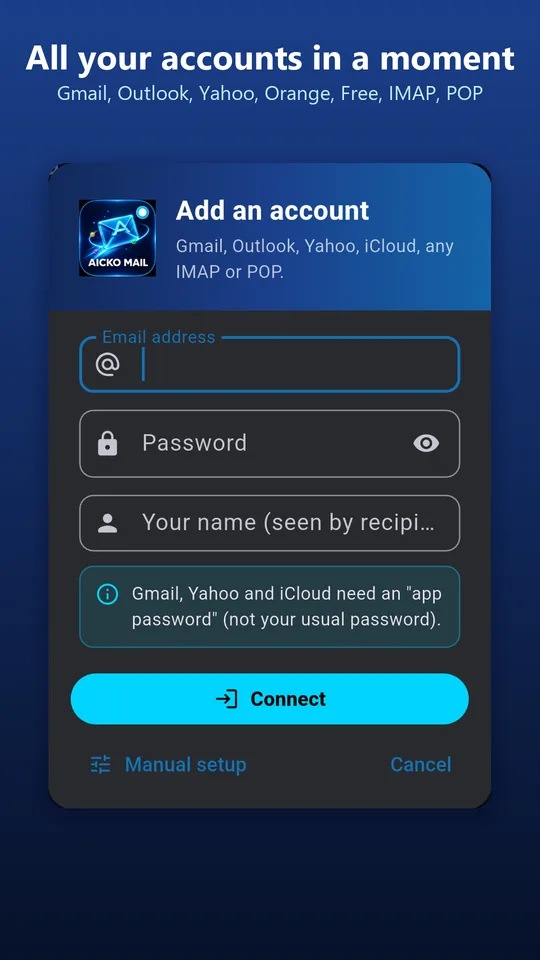
AICKO MAIL is a messaging program for Android phones and tablets. It connects to the addresses you already have instead of creating a new one. You type an address, and the app finds the right settings for the big providers (Gmail, Outlook, Yahoo, iCloud, Orange, OVH) and for other IMAP, POP and SMTP mailboxes. That is the whole setup.
Who it is for
Students who feel lost when messages pile up, and parents who want to help without learning a new tool. A student in Grade 6 (6ème) opening a first email address can use it as comfortably as a Grade 12 (Terminale) student with several accounts. Each screen shows only a few choices.
The main features
- One combined inbox, or one account at a time.
- Five filters you can understand at a glance: unread, people, services, favorites, attachments.
- Remote images that stay hidden until you say yes, with a count of trackers stopped.
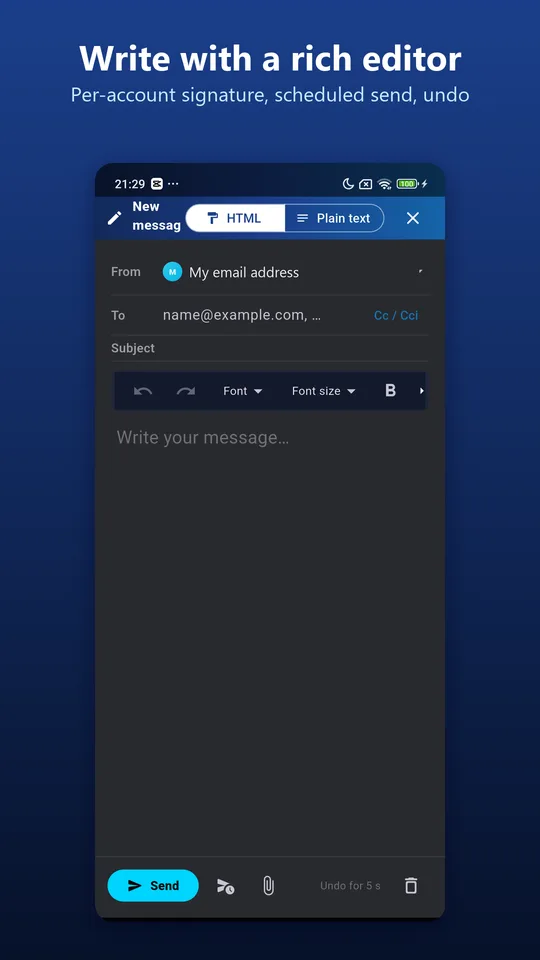
- A friendly editor with bold text, lists and colors, and a different signature for each account.
- Scheduled sending, so a message leaves later without you waiting.
- An undo option for a few seconds after sending.
- A warning if you say a file is attached but forgot it.
Start in four steps
- Install AICKO MAIL from Google Play.
- Tap to add an account and type your email address.
- Enter your password. With Gmail, Yahoo and iCloud, use an app password created in your provider’s security page.
- Choose a color and open your inbox.
Where Maths Facile comes in
The site explains each topic one step at a time, in its lessons and in the Grade 6 (6ème) section. The email app follows the same spirit: a worksheet from your teacher is easy to find with the attachments filter, a note from a classmate stands out under the people filter, and nothing needs advanced settings. Building confidence in math starts with feeling organized.
A short example shows the idea. On Sunday evening, a student opens the app, taps the unread filter, finds the teacher’s message about Tuesday’s quiz, stars it, and closes the app. Two taps, no panic. The same student can later schedule a thank-you note or a question for the teacher, then forget about it until it is sent.
Tips for using it every day
Look at the unread filter once a day, not every hour. Star the two or three messages you must act on this week. If a message looks like an advertisement, leave its images blocked; the app does not load them unless you ask. Passwords stay on your device, in the secure storage of the system, with no server in between. The interface is in English and French, with day and night modes. An iPhone version is in preparation, and a Windows twin of the app can copy your accounts across through a QR code.
Frequently asked questions
What is the easiest email app to use on Android?
AICKO MAIL aims for ease: provider settings are detected automatically, five filters cover most sorting needs, and there are no ads and no AICKO account. You type your address and start reading.
How do I add a Gmail account to an email app?
In AICKO MAIL, tap the button to add an account and type your Gmail address. Gmail requires an app password: create it in your Google account security settings, then paste it in when the app asks.
How can I stop advertising emails from filling my screen?
Use the people filter. It shows messages written by real people and sets aside automatic ones, which sit under the services filter. Nothing is deleted, and everything is still reachable in one tap.
Can I take back an email I sent by mistake?
Yes, for a few seconds after you press send, AICKO MAIL offers an undo button. After that short delay the message has gone. Scheduled sending also gives you time to reread a message before it leaves.
