

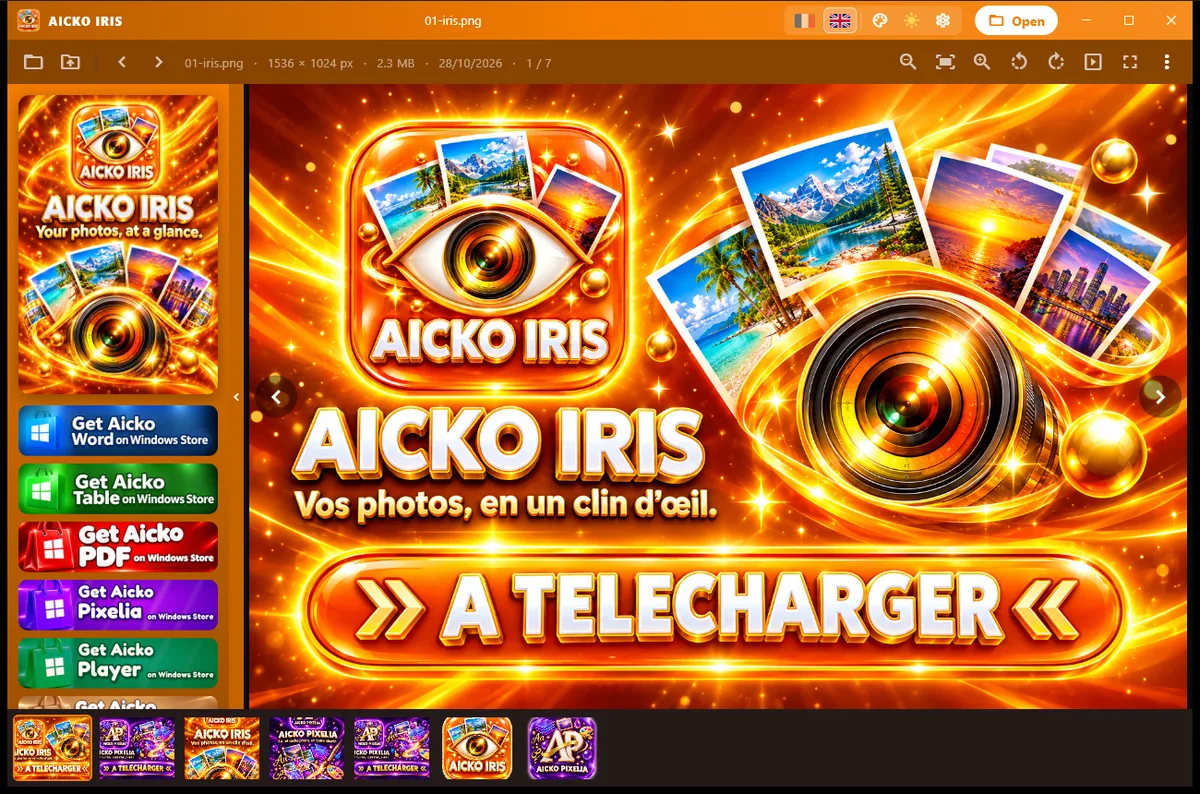
AICKO IRIS is a free image viewer for Windows 10 and 11. It opens all common picture formats, including HEIC and AVIF, which many viewers cannot read without a paid extension.
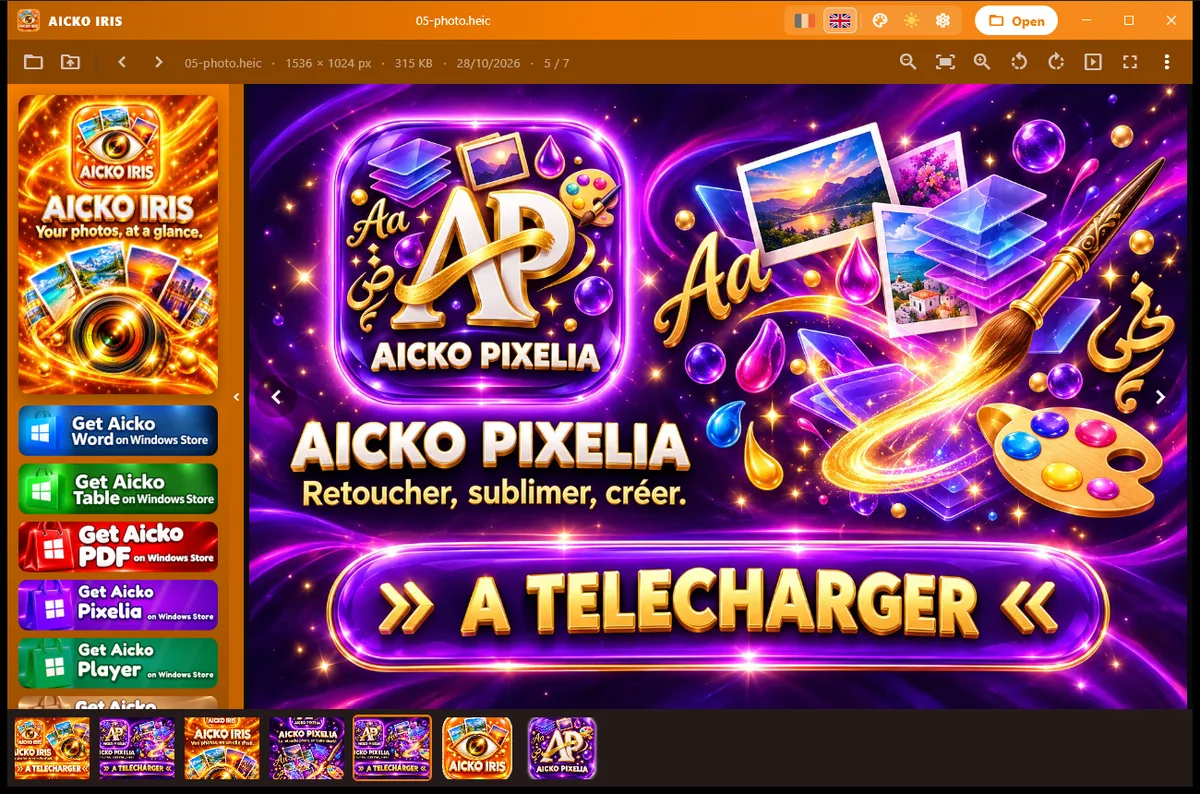
It is a separate program from the editor AICKO PIXELIA: IRIS is for looking at pictures, and PIXELIA is for changing them. The design is orange, and it is available from the Microsoft Store.
Get AICKO IRIS

At a glance
- Platform: Windows 10 and 11 (Microsoft Store)
- Price: free
- Formats: HEIC, AVIF, TIFF, JXR, RAW and more
- Extra codec needed: no
- Languages: French and English
What this free image viewer offers
The goal is simple: whatever the file, the picture appears. Photos from phones in HEIC or AVIF open directly. The program decodes them with its own decoder, which has no encoder inside, so nothing extra is required. Other formats such as TIFF, JXR and camera RAW files go through the decoders that Windows already provides.
To keep browsing fast, converted pictures are cached on your computer.
Who it is for
It suits students and teachers who receive photos from different phones and computers and cannot open all of them. A homework photo sent in HEIC, a scan in TIFF, an image from a website in AVIF: one viewer opens them all.
Main features
- Opens all common image types
- HEIC and AVIF decoded by the program itself
- TIFF, JXR and RAW read through the Windows decoders
- Same title bar and settings as AICKO PIXELIA
- French or English interface and a choice of colours
Getting started
- Install AICKO IRIS from the Microsoft Store.
- Open a picture, whatever its format.
- Browse the other images of the folder.
- If you need to change a picture, open it in AICKO PIXELIA.
Why a maths learner will like it
Learners often exchange photos of notes, whiteboards and homework. A photo of a board in HEIC that will not open is a frustrating obstacle. With one reliable viewer, you can read the picture, then copy the exercise to a document. To practise the topic afterwards, use the lessons or test yourself with the quizzes.
A typical use
A classmate sends you a photo of a board taken with an iPhone. Many programs show an empty icon because the file is in HEIC. In AICKO IRIS, you double-click and the picture appears. The next file is a scanned worksheet in TIFF, and then an image saved from a website in AVIF: both open the same way. When you spot something to retouch, such as a dark photo or a crooked page, you move to AICKO PIXELIA, the editor, and fix it there.
The viewer tries to stay out of your way: you open, you look, you move on.
Tips
If a friend sends photos from an iPhone, they are often in HEIC, and this viewer opens them with no setup. Keep the original files and make copies when you want to edit. The first opening of a TIFF or RAW file can take a moment because it is converted, but the next time it is quicker thanks to the cache. Choose the colour you like in the settings.
Frequently asked questions
Is there a free viewer that opens HEIC photos on Windows?
Yes. AICKO IRIS is free for Windows 10 and 11 and opens HEIC and AVIF pictures directly, without any extra extension. It also reads other common image types.
How does AICKO IRIS open TIFF or RAW files?
It uses the image decoders that Windows already contains for formats such as TIFF, JXR and RAW, and keeps a cache of converted pictures on the computer to make later openings quicker.
What is the difference between AICKO IRIS and AICKO PIXELIA?
AICKO IRIS is a viewer for looking at pictures in any format. AICKO PIXELIA is an editor with layers, filters, text and export. They are two separate programs with a similar look.
Does AICKO IRIS need an extra codec from the Microsoft Store?
No. HEIC and AVIF are decoded by a decoder included in the program, so you do not need to buy or install a separate extension. The program is free.
