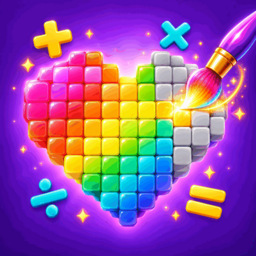
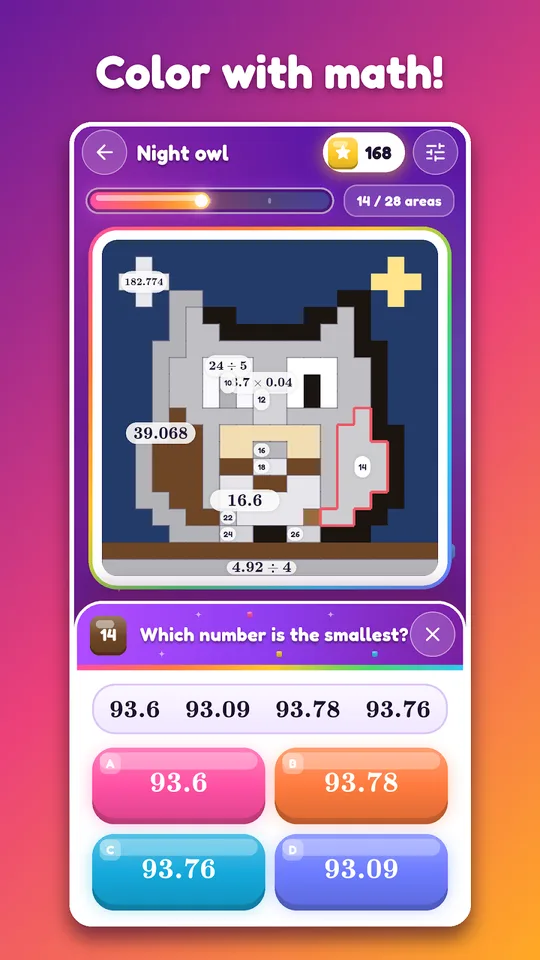
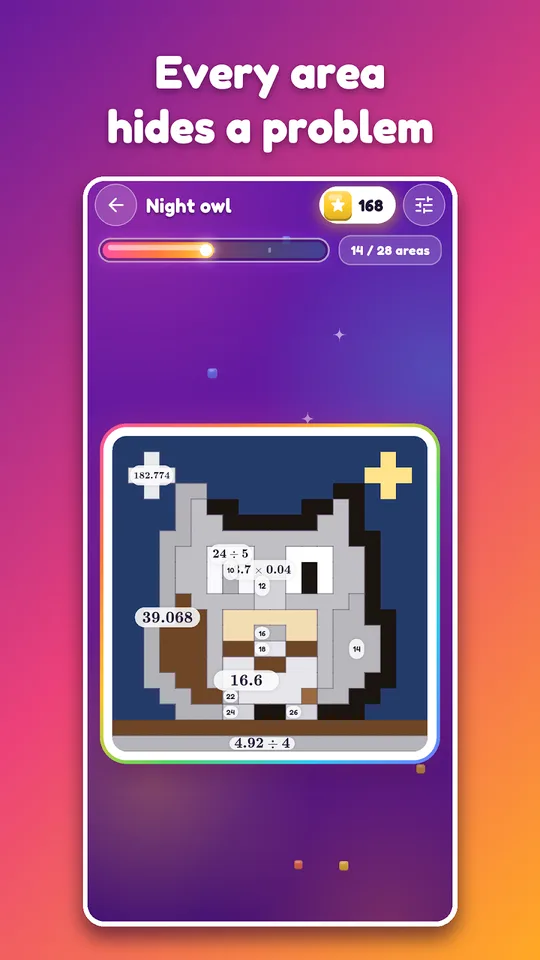
Pixels Maths is a magic coloring math game for Android. Each pixel art drawing is split into grey zones, and every zone hides a calculation. Answer correctly and the zone fills with colour.
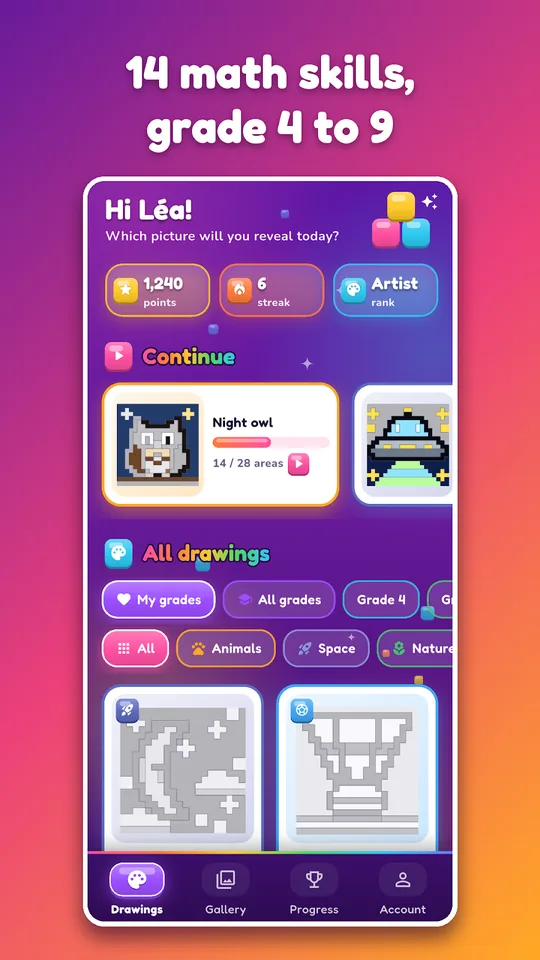
It covers the maths of CM1 (Grade 4) to 3ème (Grade 9). Students who feel anxious about worksheets often find that the picture keeps them going one more question. The game suits students who like drawing as much as numbers.
Get Pixels Maths
At a glance
- Platform: Android
- Levels: Grade 4 (CM1) to Grade 9 (3ème)
- Calculation types: 14
- Drawings: more than 60
- Works offline: yes
How the magic coloring math game works
Choose a drawing and a level. Tap a grey zone and a calculation appears in large type. You can answer a multiple-choice question or type your answer. A right answer colours the zone. A wrong one brings a short correction and a new calculation.
The calculations are generated each time, so you can colour the same picture again and again with fresh problems.
Who it is for
The game is for primary and middle school students, and for parents looking for revision that feels like play. The picture gives a visible sign of progress, which matters a lot for a student who believes they are bad at maths.
What you can practise
- Grade 4 and 5 (CM1 and CM2): multiplication tables, addition, subtraction, mental maths, decimals and conversions
- Grade 6 (6ème): order of operations, fractions, percentages and decimals
- Grade 7 (5ème): negative numbers, algebraic expressions and proportionality
- Grade 8 (4ème): powers, equations and the Pythagorean theorem
- Grade 9 (3ème): equations, scientific notation and percentages, handy before the brevet exam
- 14 types of calculation and more than 60 pixel art drawings
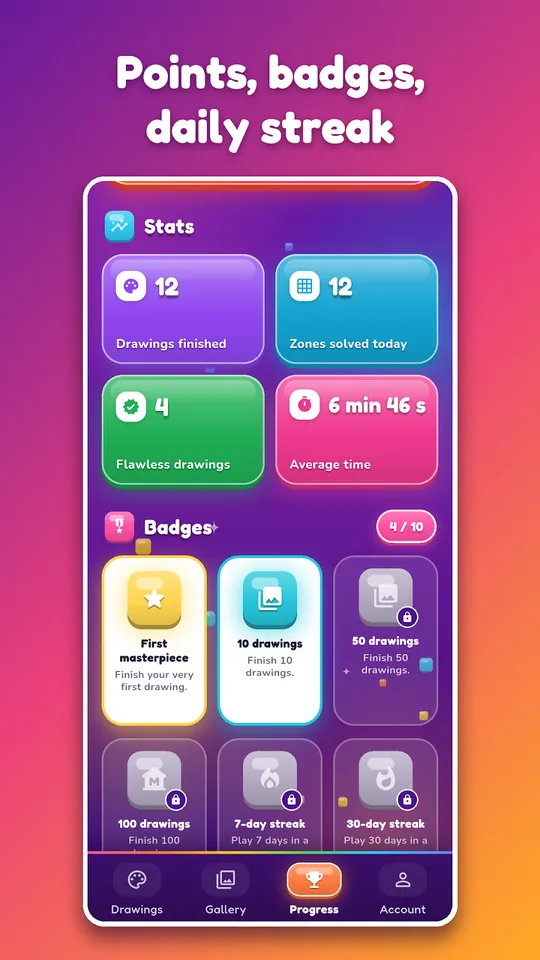
- Points, a speed bonus, a daily streak, badges, four ranks and an optional daily reminder
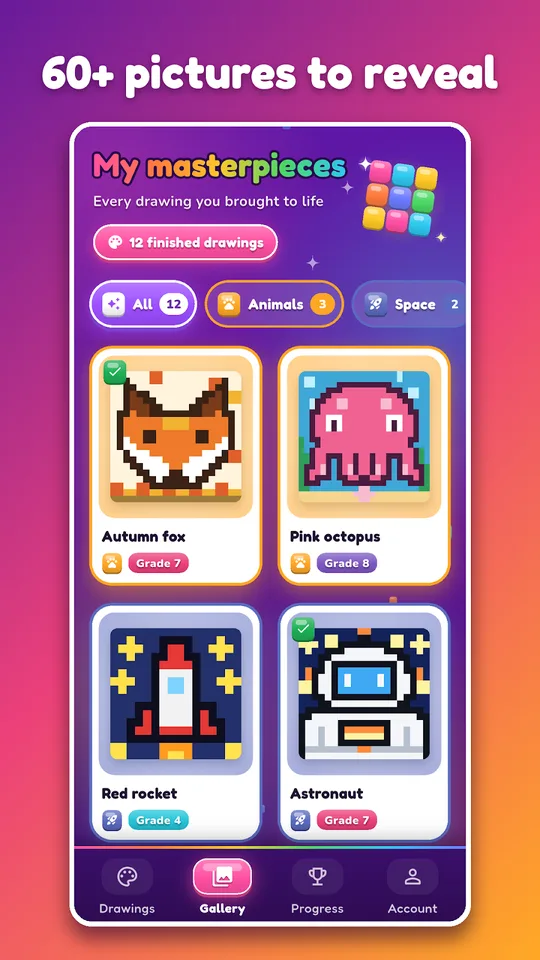
- A gallery of finished drawings, shared as an image or an animated GIF
Getting started
- Install Pixels Maths from Google Play.
- Pick your level, from Grade 4 to Grade 9.
- Choose a small drawing for your first game.
- Tap a grey zone, solve the calculation and watch the colour appear.
- Finish the drawing, then save it in your gallery.
How it fits with Maths Facile
Pick the topic that the game tells you was hardest, then read the matching lesson. For example, Grade 7 lessons cover the ideas behind negative numbers and proportionality, and Grade 8 lessons cover powers and equations.
Tips
Use scrap paper for longer calculations. Do not rush for the speed bonus until accuracy feels reliable. The app works offline and has no ads, and the description says it is in French and in English. Progress is saved across your devices. A short daily session keeps the streak alive and keeps the basics fresh.
Why colouring keeps students going
A page of calculations looks like a wall. A drawing that slowly appears looks like a reward. Each correct answer adds a visible piece of colour, so the student can see progress without being told. This helps students who give up early, because the next zone is always only one answer away.
Wrong answers do not stop the picture. You get a short correction, then a fresh calculation, and you try again. Mistakes are treated as a normal step, which is the attitude that most helps a nervous learner.
Frequently asked questions
What is Pixels Maths?
Pixels Maths is an Android game where you colour pixel art by solving maths problems. Each grey zone hides a calculation, and a right answer colours it. It covers school maths from Grade 4 (CM1) to Grade 9 (3ème).
Does the magic coloring math game work offline?
Yes. The description says Pixels Maths works offline, so you can play on a trip or in a place without a signal. It also contains no ads. The game is available in French and in English, and your progress is saved across your devices.
What kind of maths does it cover?
There are 14 types of calculation, including multiplication tables, fractions, percentages, decimals, negative numbers, powers, equations, the Pythagorean theorem and proportionality. The topics you meet depend on the level you choose, from Grade 4 to Grade 9.
Can I share my finished drawings?
Yes. Finished drawings are stored in a gallery, and you can share them as an image or as an animated GIF that replays the colouring. There are more than 60 drawings, with new ones added regularly.
